
What Is a Disk Space Analyzer and Why Do You Need One
Ever wondered where all your disk space went? A disk space analyzer answers exactly that. It scans your drive and shows you — visually and sorted by size — which folders and files are consuming your storage.
How disk space analyzers work
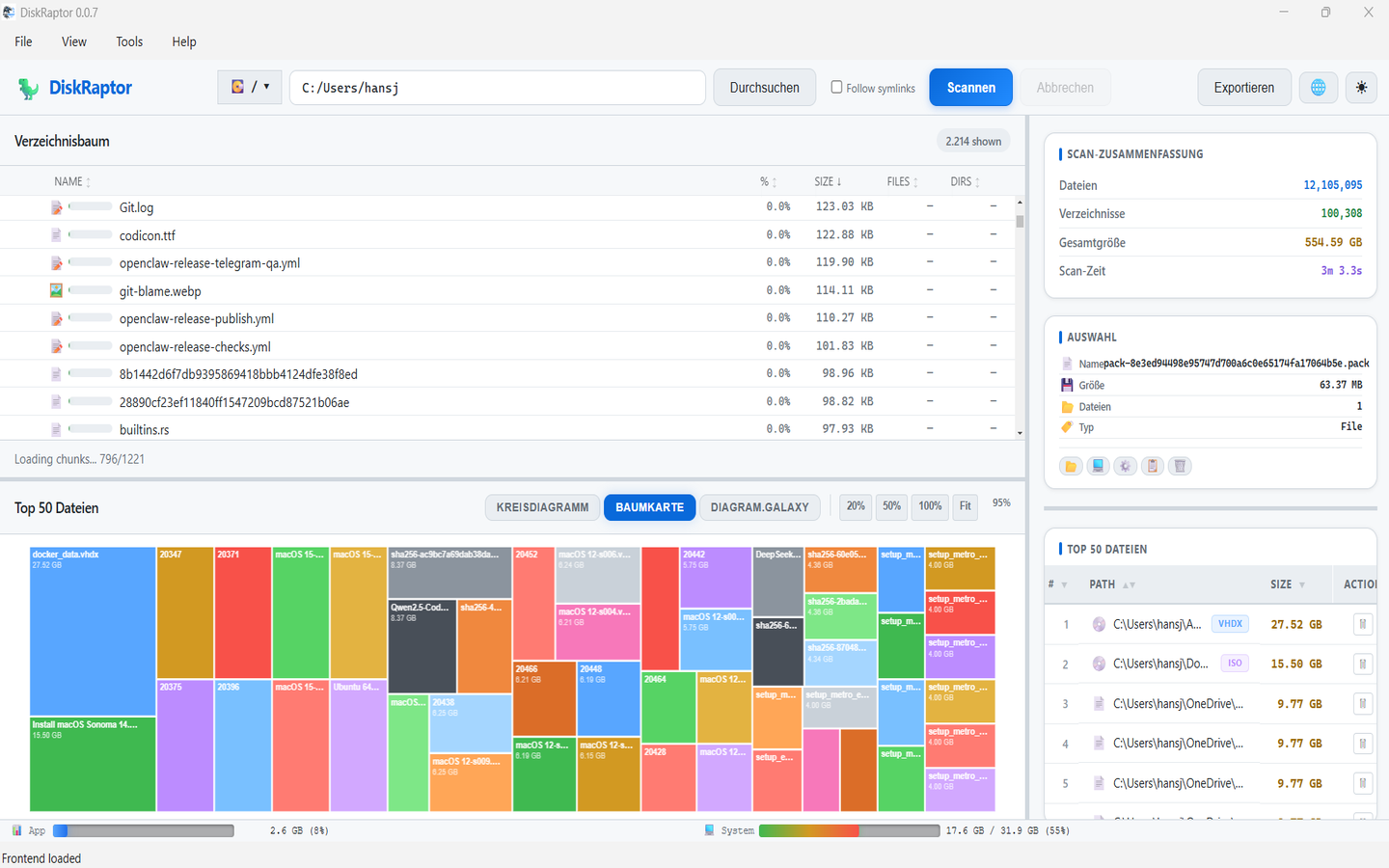
An analyzer walks your file system, measures every folder and file, and presents the results in a tree view plus visualizations like treemaps, pie charts and bar charts. The bigger the block, the more space that folder or file uses. In DiskRaptor, an interactive 3D galaxy view even shows your whole drive as stars, planets and moons.
Why you need one
- Find out why your disk is full — in seconds, not hours
- Locate huge files you forgot about (videos, ISOs, old backups)
- Reclaim gigabytes by removing duplicates and clutter
- Monitor disk health before it's too late (S.M.A.R.T.)
- Keep your drive organized — find and remove empty folders
What to look for in an analyzer
Speed matters most — waiting minutes for a scan is unacceptable. Look for a tool that handles millions of files, works on your operating system, and respects your privacy. DiskRaptor scans in seconds, runs on Windows, macOS and Linux, and processes everything 100% locally.
Related reading
- WinDirStat Alternative: DiskRaptor Is the Modern Choice
- How to Free Up Disk Space: 5 Practical Steps
- How to Find and Remove Duplicate Files
See for yourself
Free, open source, and no data ever leaves your machine.