
How to Clean Browser Cache and Temporary Files
Browser caches and temporary files are the quiet space hogs of every system. They pile up over months, eat gigabytes, and slow your computer down. Here's how to clean them safely on Windows, macOS and Linux — and how to see exactly how much space you'll get back with DiskRaptor.
Why browser cache and temp files grow so fast
Every website you visit stores images, scripts and data in your browser cache so pages load faster next time. That's useful — but browsers rarely clean it up on their own. The same goes for system temp files (%TEMP% on Windows, /tmp on macOS/Linux) and update leftovers. Over a year, these can easily add up to 10–30 GB of wasted space.
Step 1: See what's actually taking space
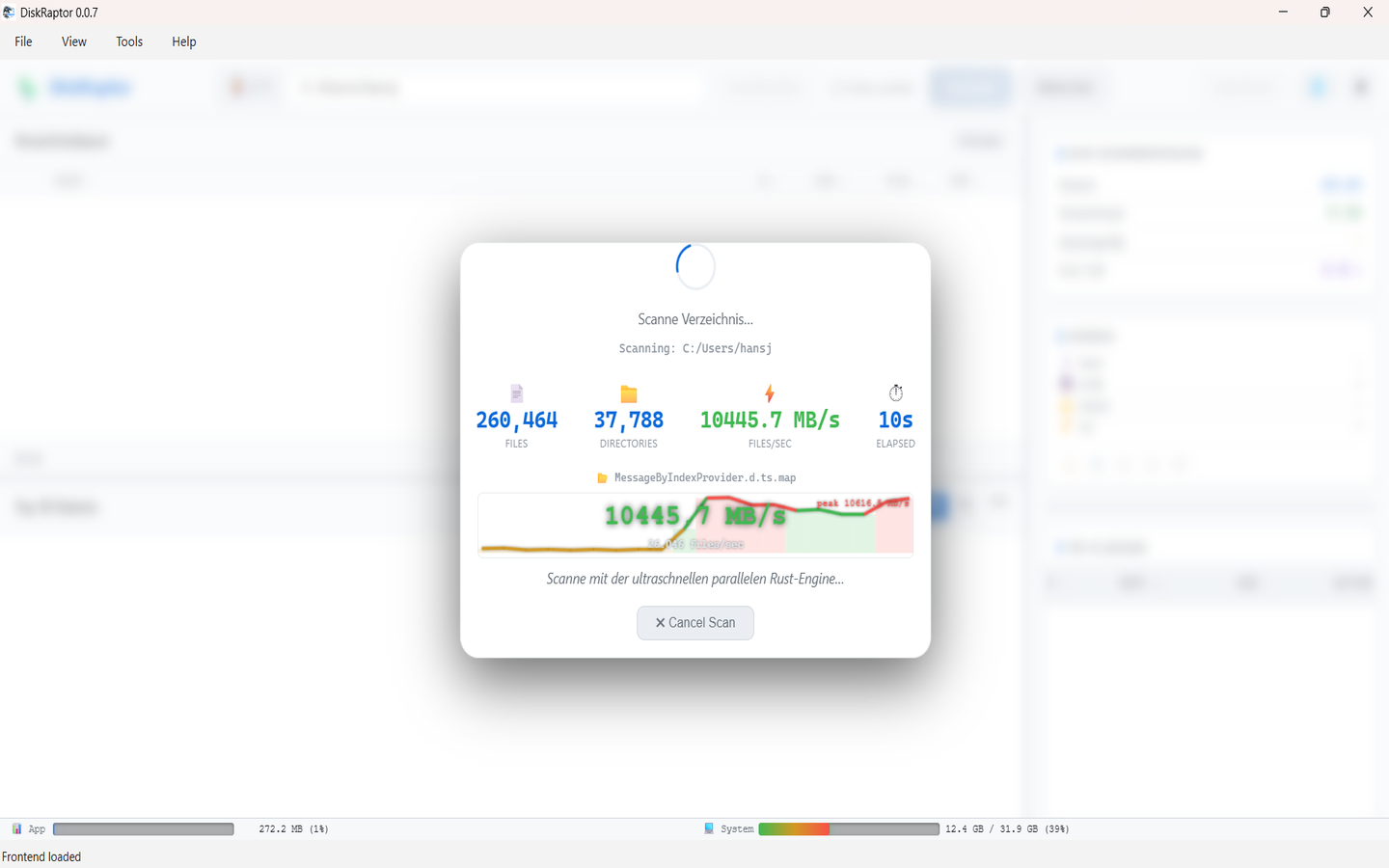
Before deleting anything, scan your disk with DiskRaptor. Its parallel engine shows every folder sorted by size in seconds — so you can confirm how much space your browser folders and temp directories really use.
Step 2: Clean browser clutter with one click
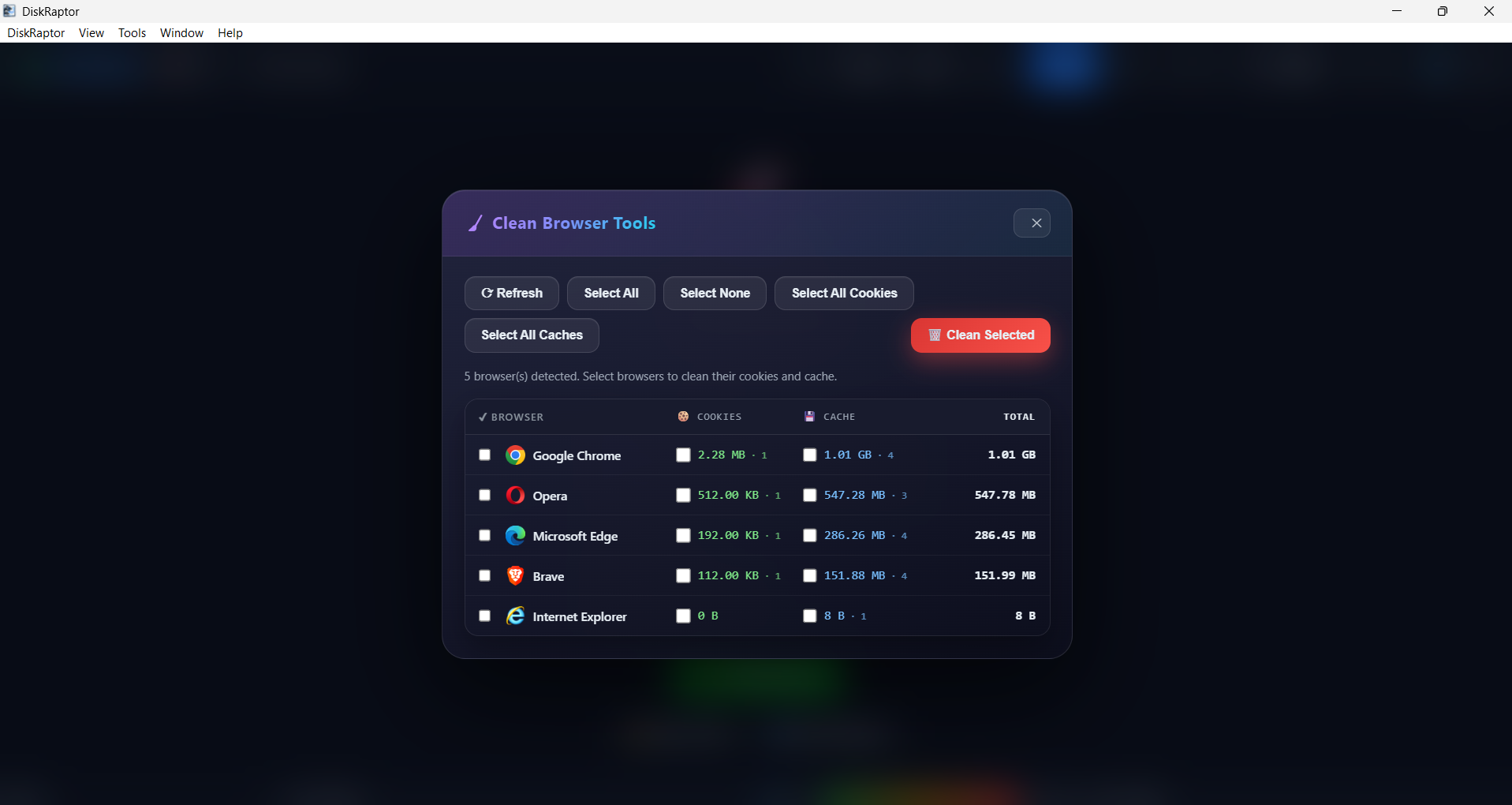
DiskRaptor's built-in cleanup tools target browser cache and clutter directly. Instead of hunting through Chrome, Firefox or Edge settings, you can clear the cached data from all installed browsers in one place — no risk of deleting passwords or bookmarks, just the space-wasting cache.
Step 3: Remove temporary files safely
Temporary files are safe to delete — that's their whole purpose. DiskRaptor identifies temp directories, update leftovers and empty folders so you can remove them without touching anything important. Every deletion is shown before it happens, so you stay in control.
Step 4: Verify the space you reclaimed
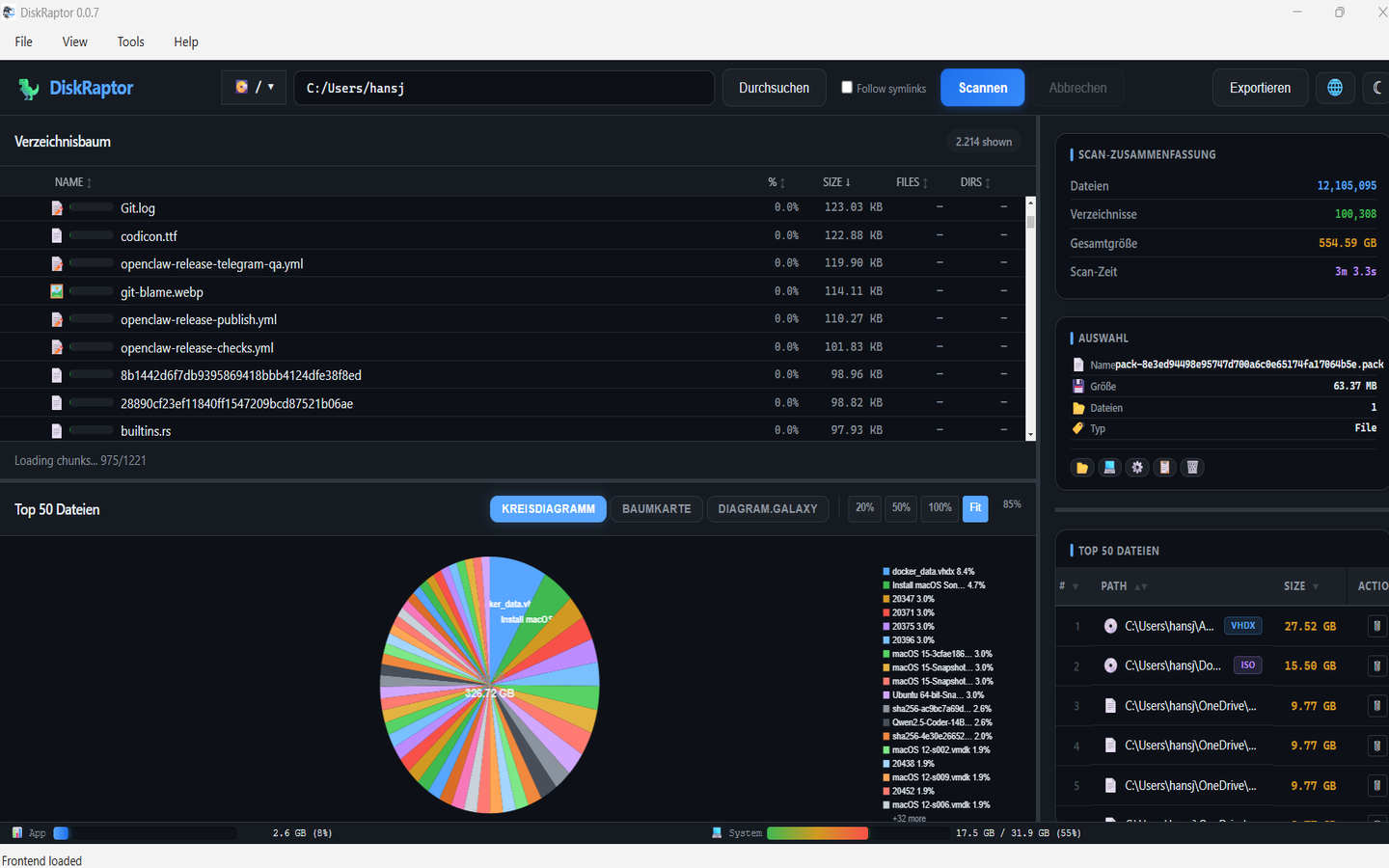
Rescan your disk after cleaning. DiskRaptor shows the new usage numbers immediately, so you can see the gigabytes you just freed up. A clean system is faster, boots quicker, and leaves more room for the things that matter.
Related reading
- How to Empty Trash and Recycle Bin to Free Up Space
- How to Clean Up Your Downloads Folder
- How to Free Up Disk Space: 5 Practical Steps
Ready to clean up your cache and temp files?
DiskRaptor is free, open source, and runs 100% locally — no telemetry, no tracking.