
How to Empty Trash and Recycle Bin to Free Up Space
Deleted files don't actually disappear — they sit in the recycle bin (Windows) or trash (macOS and Linux) until you empty it. Over time, that can mean gigabytes of "freed" space that isn't free at all. Here's how to empty your trash safely and get that space back for real.
Why the recycle bin and trash eat your disk
When you delete a file, your OS just moves it to a hidden folder. On Windows that's the Recycle Bin, on macOS and most Linux desktops it's the Trash. Large files — old videos, installers, backups — sit there indefinitely, still taking up exactly as much space as before. The result: your "deleted" files are still on disk, waiting to be emptied.
Step 1: Find out how much space your trash really uses
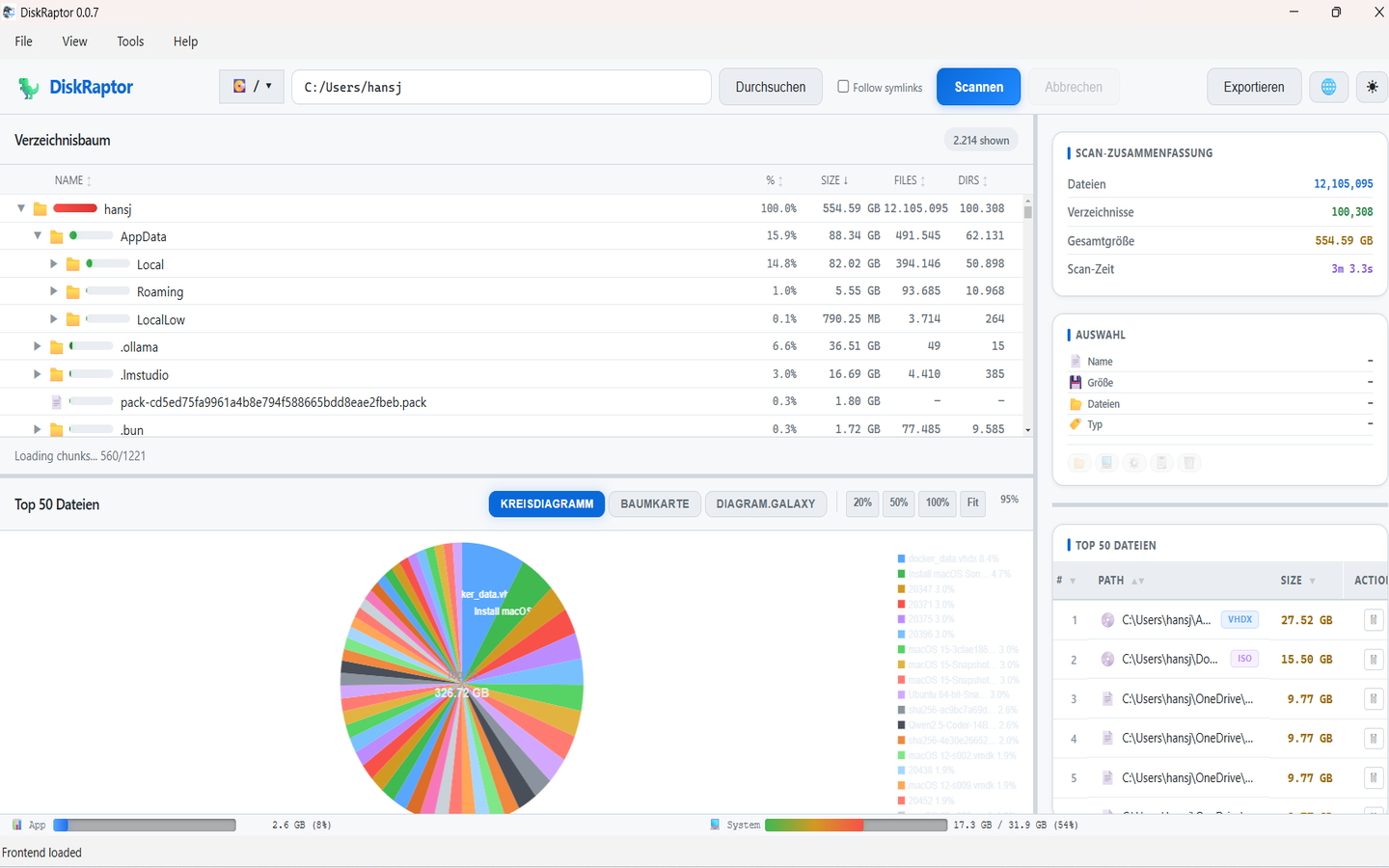
Instead of guessing, scan your disk with DiskRaptor. It shows the hidden system folders — including the recycle bin and trash — with their exact sizes, so you know in seconds whether emptying them is worth it.
Step 2: Recover files you deleted by accident
Before you empty everything, check what's inside. DiskRaptor's trash recovery view lists deleted files, so you can restore the ones you actually need and delete the rest — all without digging through system folders by hand.
Step 3: Empty the trash with one click
On Windows, right-click the Recycle Bin and choose "Empty Recycle Bin". On macOS, right-click the Trash icon and select "Empty Trash" (or press Cmd+Shift+Delete). On Linux desktops, the option is usually "Empty Trash" in the file manager. DiskRaptor can do this for all locations in one place, including leftover trash from external drives and old user accounts.
Step 4: Keep your space reclaimed
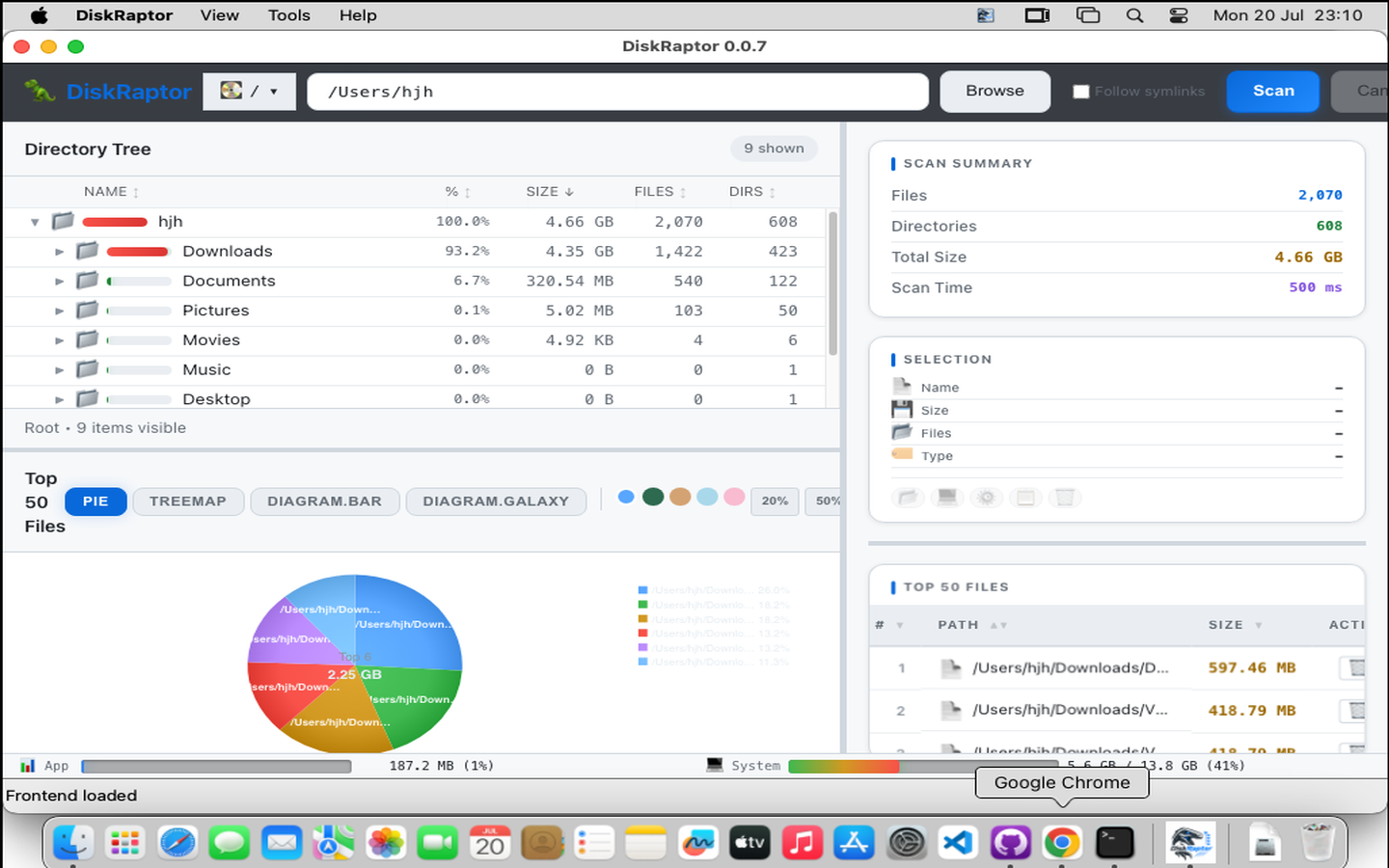
Emptying trash once is great — keeping it empty is better. Rescan with DiskRaptor after emptying to confirm the reclaimed space, and make it a habit every few weeks. Combined with duplicate detection and cleanup tools, you'll keep your disk lean without buying new hardware.
Related reading
- How to Clean Browser Cache and Temporary Files
- How to Find and Remove Duplicate Files
- How to Free Up Disk Space: 5 Practical Steps
Reclaim your "deleted" space today
DiskRaptor is free, open source, and runs 100% locally — no telemetry, no tracking.