
How to Clean Up Your Downloads Folder
The Downloads folder is where files go to disappear — until your disk is suddenly full. Installers, PDFs, screenshots, ZIP archives… it all piles up. Here's how to reclaim that space in minutes with DiskRaptor.
Step 1: See what's really in there
Run a scan on your Downloads folder. DiskRaptor sorts every file by size, so you immediately see which files are worth your attention — and which are just clutter.
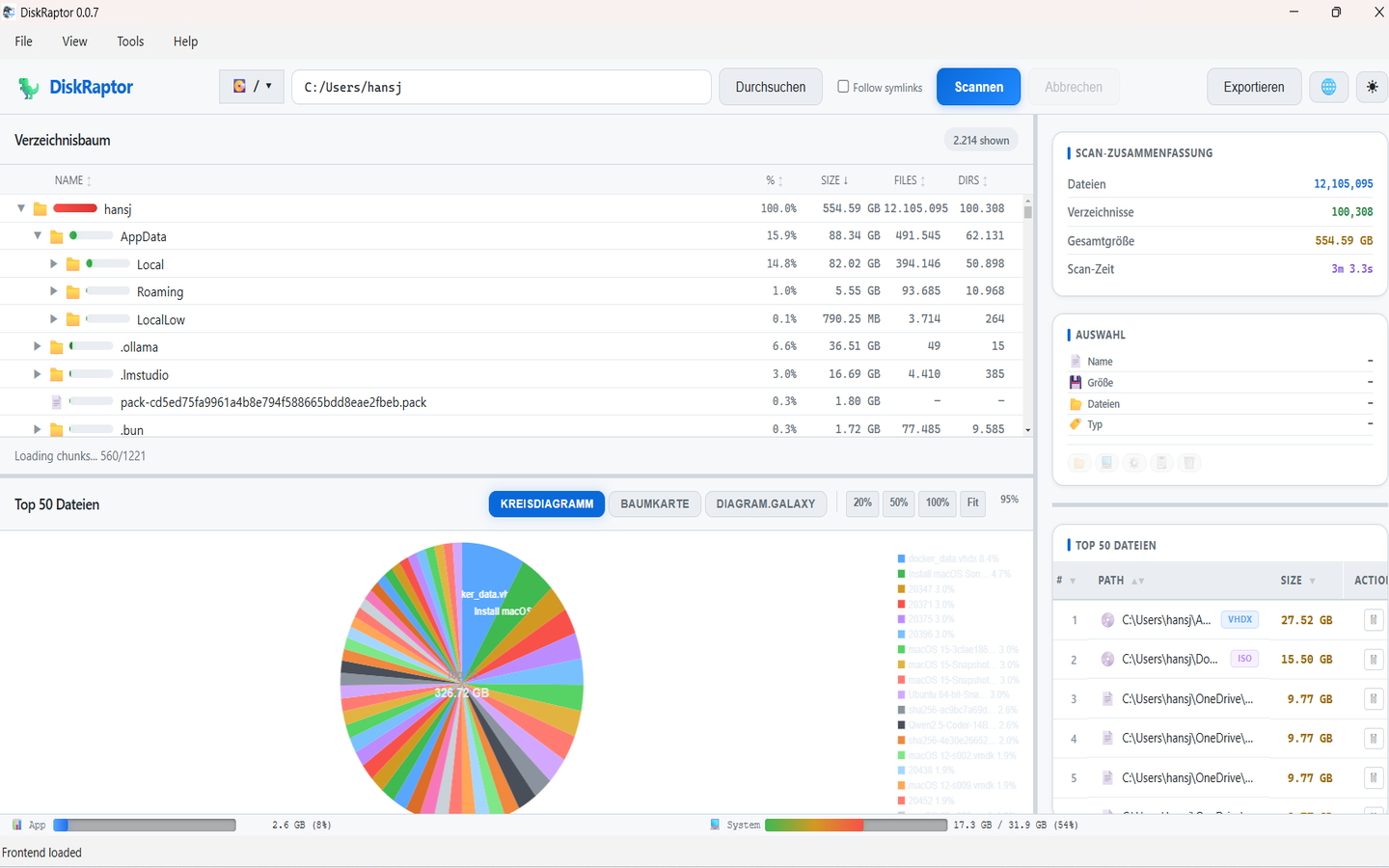
Step 2: Use the one-click Downloads Cleanup
DiskRaptor includes a dedicated cleanup tool for the Downloads folder. It highlights old installers, duplicates and large files you probably don't need anymore.
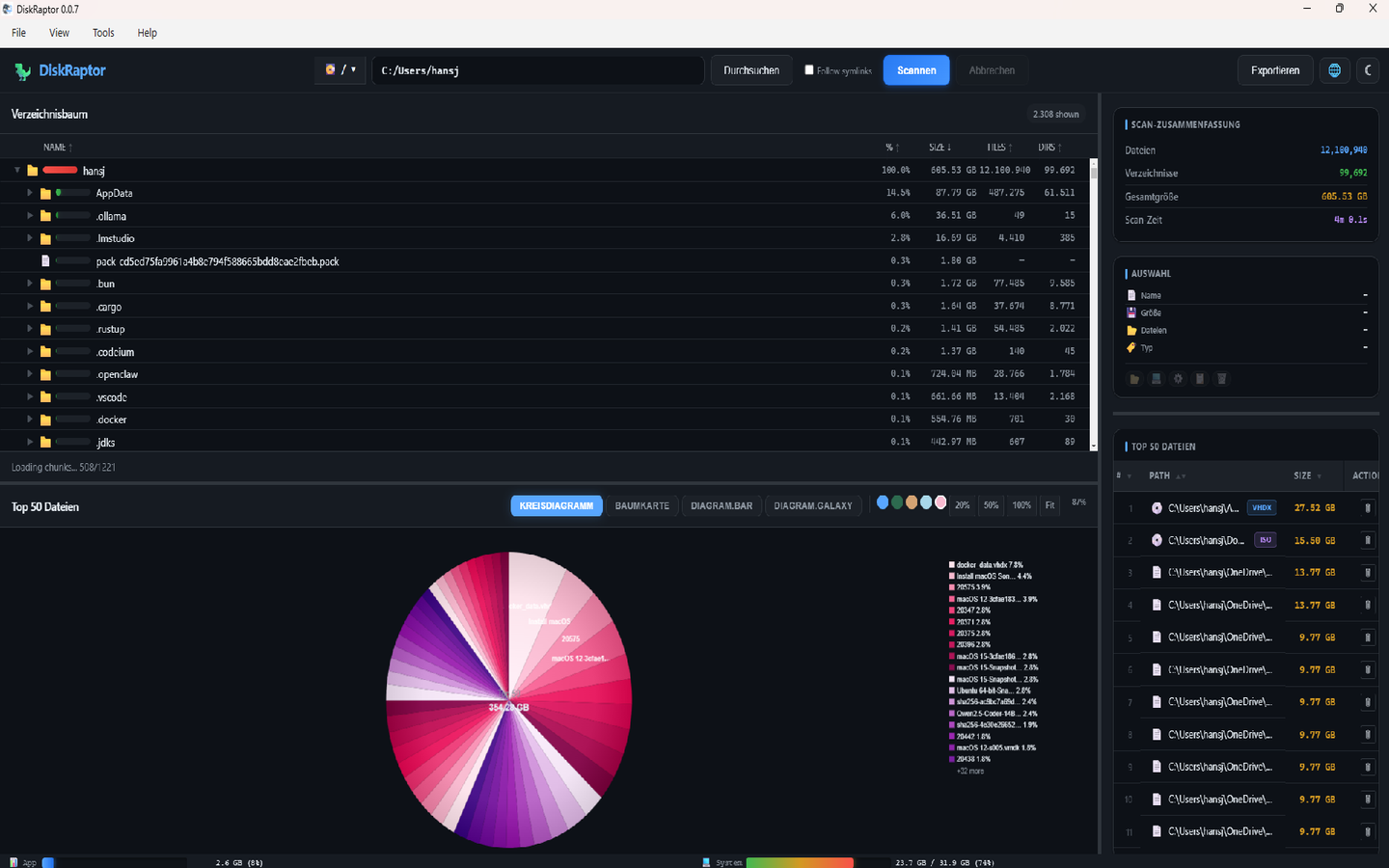
Step 3: Delete with confidence
Right-click any file to open it in the file manager, see its properties, or move it to the trash. With trash recovery built in, even an accidental delete isn't the end of the world.
Related reading
- How to Clean Browser Cache and Temporary Files
- How to Free Up Disk Space: 5 Practical Steps
- How to Find and Remove Duplicate Files
Clean up your Downloads folder today
DiskRaptor is free, open source, and runs 100% locally.