
Storage Guide: SSD, HDD, USB and NAS — What to Buy
Choosing the right storage is one of the most important hardware decisions you'll make. This guide covers SSDs, HDDs, USB drives, optical media and network storage (NAS) — what each is good for, and how to buy smartly.
SSD — the speed champion
Solid State Drives store data on flash memory with no moving parts. They boot systems in seconds, load applications instantly and are virtually silent. SATA SSDs are the budget-friendly upgrade for older PCs; NVMe SSDs connect directly to the PCIe bus and are several times faster — ideal for operating systems, games and demanding applications.
- Best for: OS, games, active projects, laptops
- Watch out for: TBW (total bytes written) endurance rating
- Tip: don't fill an SSD above ~90% — performance and wear suffer
HDD — the capacity king
Hard Disk Drives use spinning magnetic platters. They're slower than SSDs but offer far more capacity per euro — 8-20 TB drives are common. Perfect for bulk storage: media libraries, backups, archives and files you rarely access.
- Best for: media collections, backups, cold archives
- Tip: CMR drives are more reliable for NAS use than SMR drives
USB sticks and memory cards
Removable storage is great for transferring files between devices. Capacity and speed vary wildly — cheap sticks are slow, high-end ones reach NVMe-like speeds. Look at the read/write speed rather than just the capacity label.
Optical media — niche but alive
Blu-ray and archival discs (M-DISC) still matter for long-term, offline backup. They're immune to ransomware and magnetic failure — a valid option for irreplaceable family photos and legal documents, even if daily use is rare.
NAS — network storage for the whole house
A Network Attached Storage device puts your drives on the network. It works as a central file server, media library, backup target and even a Docker host. With RAID or ZFS you get redundancy: if one disk fails, your data survives.
- Best for: shared files, backups, Plex/Emby media, multi-device access
- Tip: NAS drives (e.g. WD Red, Seagate IronWolf) are tuned for 24/7 operation
- Networking: connect via gigabit ethernet — Wi-Fi is fine for access, not for big backups
Buying checklist
- Match the medium to the job: SSD for speed, HDD for capacity, NAS for sharing
- Think in tiers: a small fast SSD + a large slow HDD/NAS is the classic setup
- Keep 3 copies: local, external and off-site (3-2-1 backup rule)
- Monitor health: check S.M.A.R.T. attributes regularly — drives fail without warning
Keep your storage organized
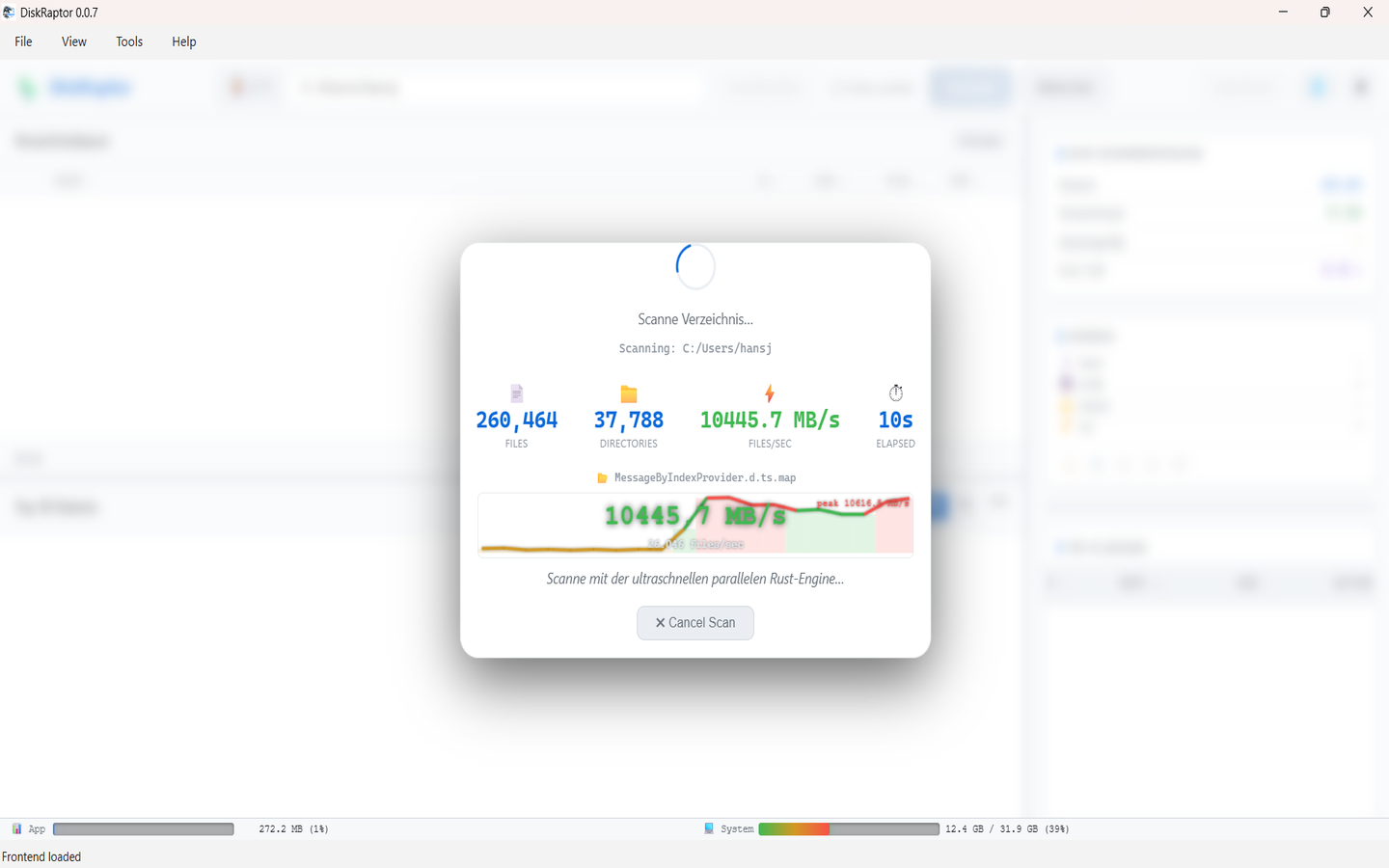
No matter which medium you choose, disk space fills up fast. Use DiskRaptor to scan any drive — local or network — and see exactly what's consuming it. Find duplicates, clean clutter, and free up gigabytes in seconds.
Related reading
- How to Monitor Hard Drive Health with S.M.A.R.T.
- What Is a Disk Space Analyzer and Why Do You Need One
- How to Free Up Disk Space: 5 Practical Steps
Analyze your storage — free
DiskRaptor is free, open source, and runs 100% locally. Works on Windows, macOS and Linux.