
Disk Cleanup for Developers: Reclaim Gigabytes from Docker, node_modules and Build Caches
Developer machines fill up in a way home PCs never do. You don't have 40 GB of old games and duplicate holiday photos — you have 200 node_modules folders, a Docker daemon that has been hoarding images since 2024, and build caches that never clean themselves. The worst part? Most of it is invisible until your CI cache or your editor starts complaining about disk space.
Here's how to see it all, clean it safely, and keep it from coming straight back.
Start with a full picture
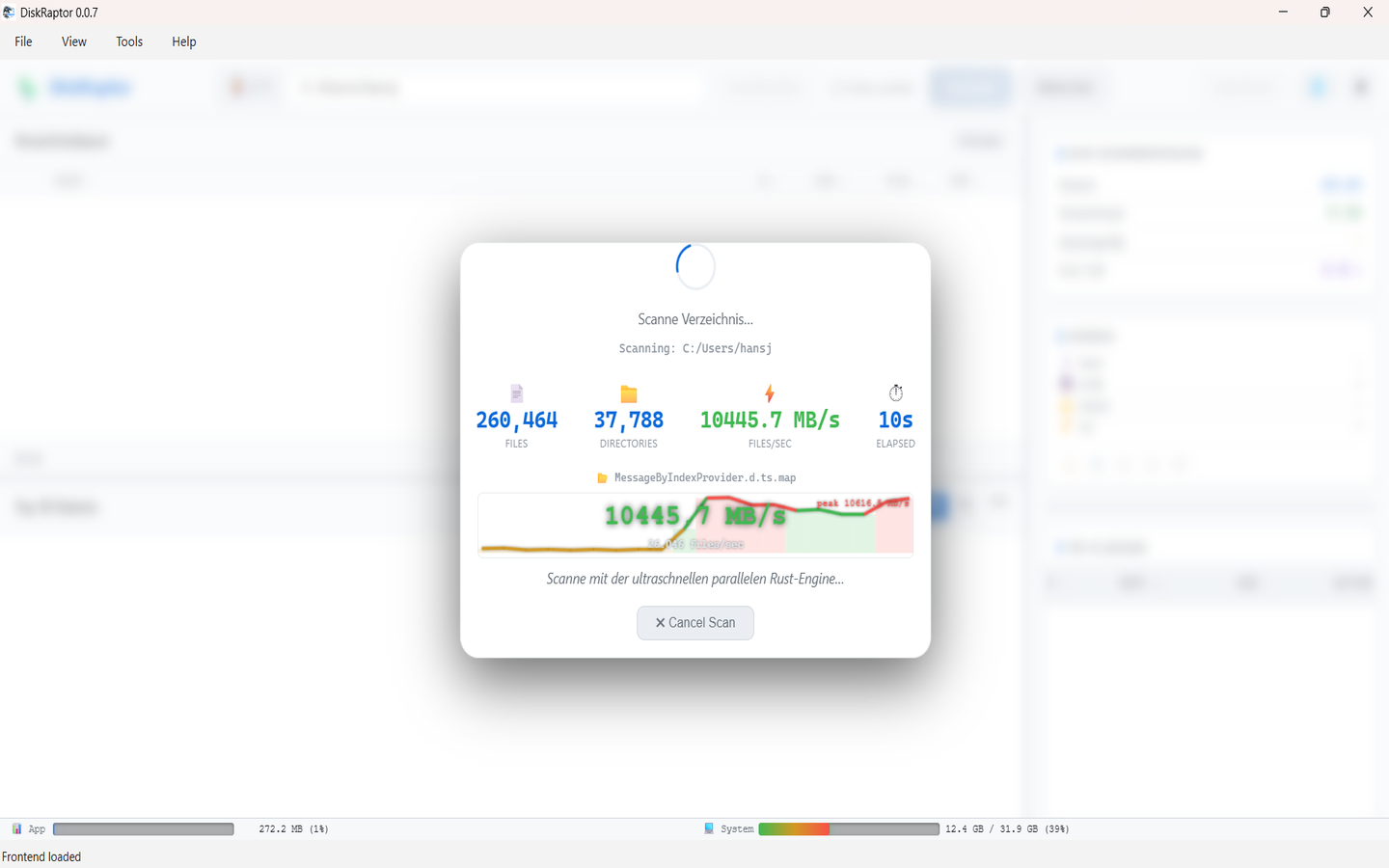
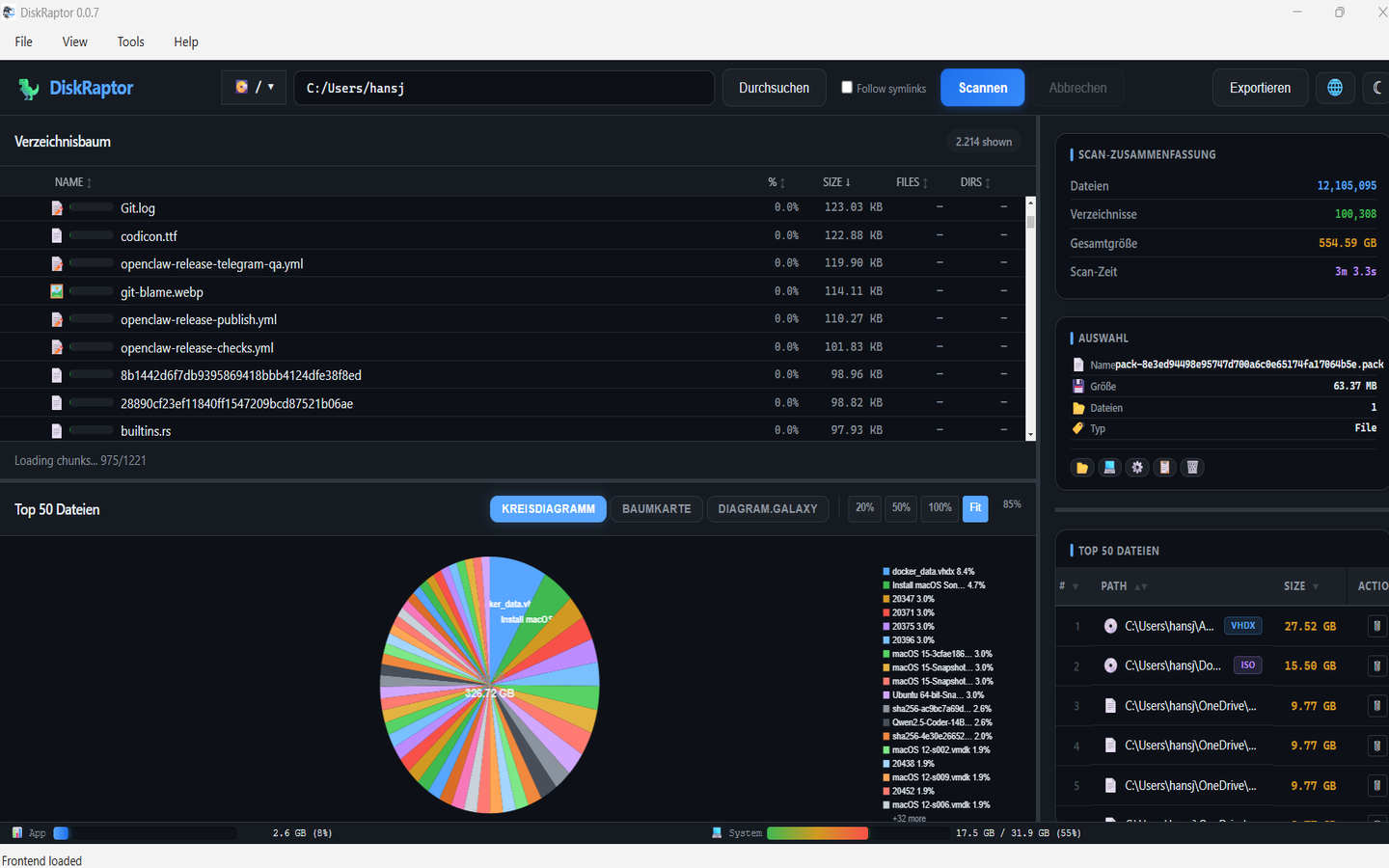
Before you run any cleanup commands, scan your drive so you know what you're actually dealing with. Open DiskRaptor, scan your home or project folder, and sort by size. You'll usually see the same handful of culprits appear at the top — and knowing the real numbers makes it easy to decide what's safe to delete.
1. node_modules — the classic space leak
Every JavaScript project ships its own copy of its dependencies, and a single node_modules is routinely 200 MB to 1 GB. Multiply that by every repo you've ever cloned — including ones you haven't touched in months — and it's often the single biggest item on a JS/TS developer's disk.
- Find them all:
npx npkilllists everynode_moduleson the drive with its size and lets you delete them interactively. DiskRaptor shows the same folders by size if you prefer a visual view. - Safe rule: any
node_modulesbelonging to a project you haven't opened in 6+ months can go. It's fully regenerated bynpm install(orpnpm install/yarn install) in minutes. - Prevention:
pnpmstores packages once in a global store and hard-links them into projects, cutting the per-project footprint dramatically. For npm, occasionalnpm cache clean --forceclears the global package cache.
2. Docker — the silent giant
Docker is the most common "wait, that's where my disk went" answer. Every image pull, every build layer, every stopped container and every named volume lingers until you explicitly prune it.
First, see how much it's using:
docker system df
Then reclaim it. From safe to aggressive:
docker image prune— removes dangling (untagged) images. Safe.docker builder prune— clears the build cache. Safe, rebuilds are just slower next time.docker container prune— removes stopped containers. Check you don't need their state first.docker system prune -a— removes all unused images, not just dangling ones. Rebuilding means re-pulling, so do this when you're on a good connection.docker system prune -a --volumes— also deletes unused volumes. Careful: this can delete real data (databases, uploads) if the container using it is stopped. Reviewdocker volume lsfirst.
On macOS and Windows, the Docker Desktop VM's disk file can also grow even after pruning — use the Troubleshoot → Clean / Purge data option to shrink it back.
3. Package & build caches
Every package manager keeps a global cache so installs are fast — but they grow without bound. Here are the quick wins by ecosystem:
- npm / pnpm / Yarn:
npm cache clean --force,pnpm store prune,yarn cache clean - Cargo (Rust): the registry cache lives in
~/.cargo/registry. Every project'starget/directory is the bigger win — runcargo cleanin stale projects. - Gradle:
~/.gradle/cachescan hit tens of GB. Delete it; it rebuilds on demand. - Maven:
~/.m2/repository— same story. Safe to delete, re-downloads as needed. - Go:
go clean -cachefor the build cache,go clean -modcachefor the module cache (re-downloads next build). - Python:
pip cache purge(orpip cache remove *). - .NET:
dotnet nuget locals all --clearclears the NuGet cache. - Homebrew (macOS):
brew cleanup --prune=allremoves old formula versions and cached downloads.
4. Build output directories
These are almost always safe to delete — they're regenerated by the next build — and they're often bigger than the source itself:
- Rust:
target/(orcargo clean) - Java / Android:
build/,app/build/ - .NET:
bin/andobj/(dotnet clean) - C/C++:
build/,cmake-build-*/,out/ - Web:
dist/,.next/,.nuxt/,build/,.cache/
Scan your projects root in DiskRaptor and sort by size — any of these that belong to projects you're not actively building right now can be deleted wholesale.
5. IDE & editor caches
Editors keep indexes and caches that grow with your codebase:
- VS Code:
~/.vscodeand the workspace storage under~/.config/Code/(Linux) or~/Library/Application Support/Code/(macOS). - IntelliJ / Android Studio: the system caches under
~/.cache/JetBrainsor~/Library/Caches/JetBrains. Use File → Invalidate Caches… for a clean reset. - Xcode:
~/Library/Developer/Xcode/DerivedDatais the classic multi-GB culprit — safe to delete, projects rebuild.
6. Virtual machines & emulators
The heavyweight category, so check it before you go hunting for small fry:
- Android emulators: each AVD is a multi-GB disk image under
~/.android/avd. Delete the ones for API levels you no longer test against. - iOS simulators:
xcrun simctl delete unavailableremoves old simulator runtimes. - WSL2 (Windows): the Linux filesystem lives in a single
ext4.vhdxthat only grows. After deleting files inside WSL, compact it withOptimize-VHD(ordiskparton older Windows). - Vagrant / VirtualBox / UTM: snapshots and base-box images pile up — prune the ones you don't need.
7. Git repositories
A repository's .git folder can balloon from large binaries, old packfiles and forgotten branches:
git gc --aggressive --prune=nowrepacks and removes unreachable objects.- If you committed large files in the past, look at git-filter-repo to rewrite them out of history.
- Old clones of repos you no longer contribute to can simply be deleted — the remote has everything.
The golden rules
Everything above falls into three buckets, and keeping them straight is what keeps a cleanup safe:
- Regenerable — delete freely: caches,
node_modules, build output, IDE indexes. They're rebuilt automatically. - Re-fetchable — delete with a connection: Docker images, package caches, old clones. Rebuilding just costs bandwidth and time.
- Real data — review first: Docker volumes, local databases, untracked files, VM disks. When in doubt, check before you delete.
One final habit that saves more than any command: schedule a quarterly scan. Open DiskRaptor, sort by size, and clear anything from the first two buckets. Fifteen minutes every three months keeps a 256 GB dev machine from ever hitting the wall again.
Related reading
- How to Free Up Disk Space: 5 Practical Steps
- The 5 Biggest Space Wasters on Every PC
- How to Find and Remove Duplicate Files
- How to Monitor Hard Drive Health with S.M.A.R.T.
See exactly what's eating your disk
DiskRaptor is free, open source, and runs 100% locally — no telemetry, no tracking.