
The 5 Biggest Space Wasters on Every PC
Almost every PC we scan has the same problem. It's not your documents, it's not your work files — it's 5 hidden categories that quietly eat 20 to 50 GB together.
Our video sums it up in 30 seconds:
“Number one, Windows update caches. Number two, old installers you forgot. Number three, duplicate photos. Number four, temp files from apps you don't use. Number five, backups of things you already deleted.”
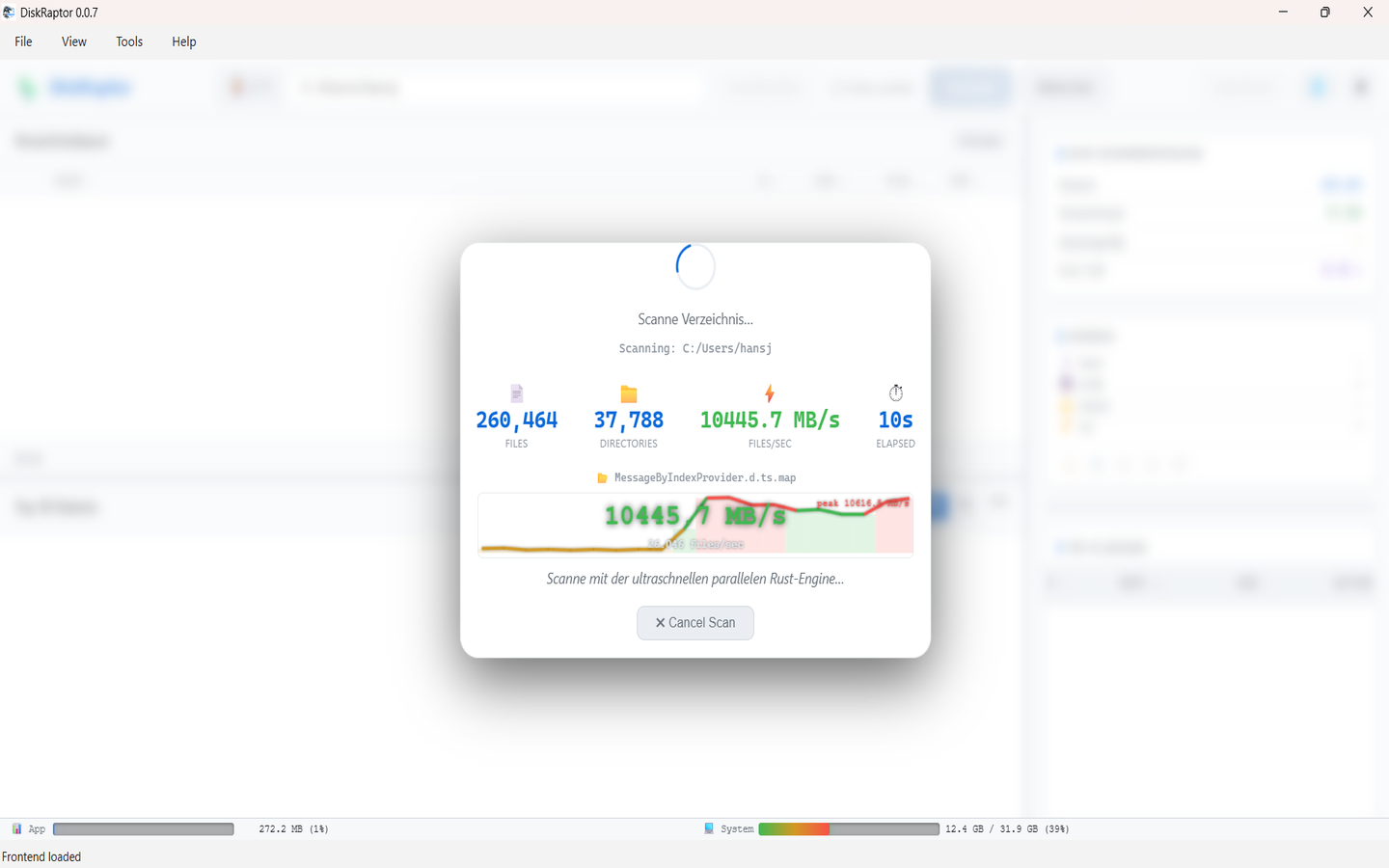
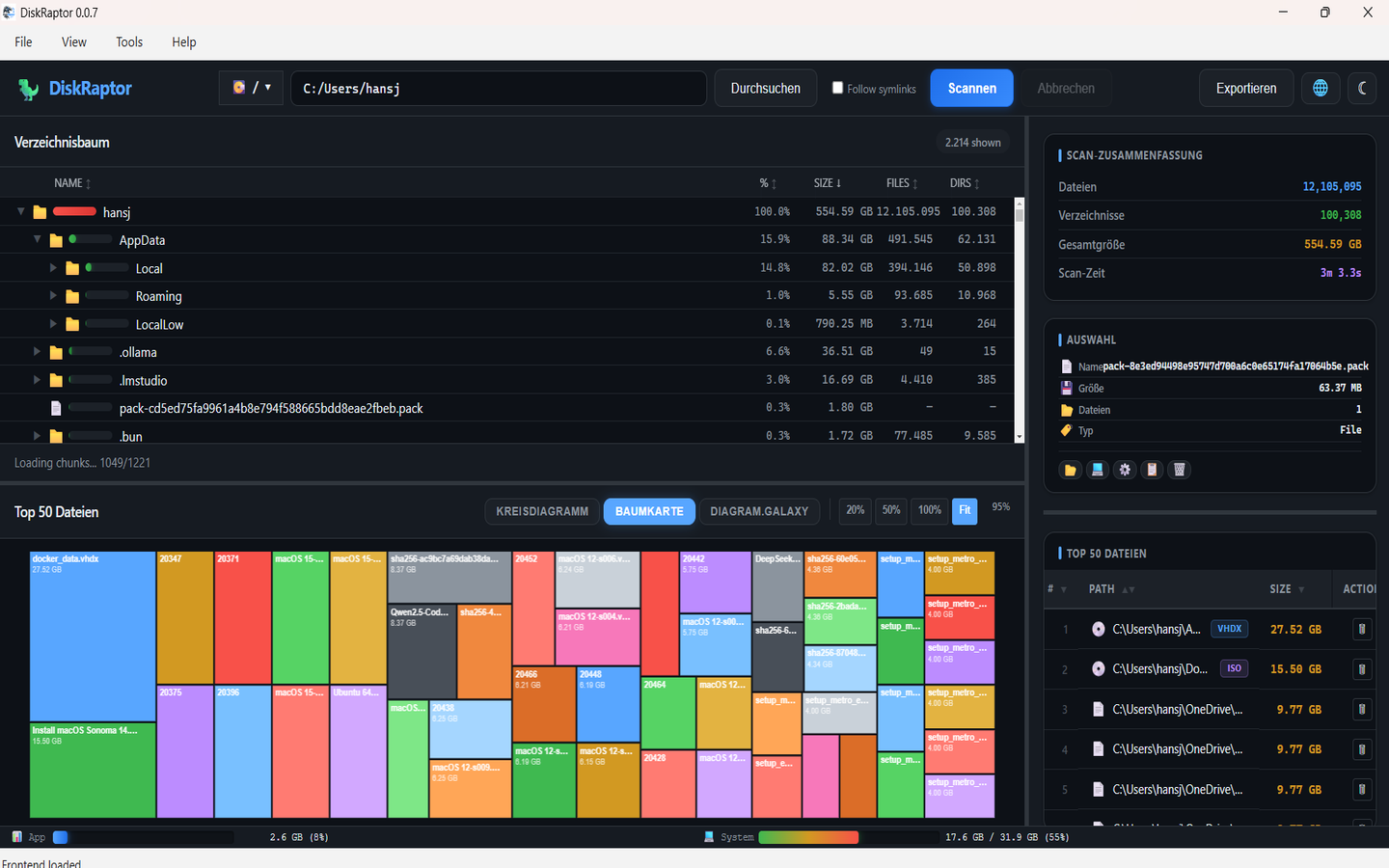
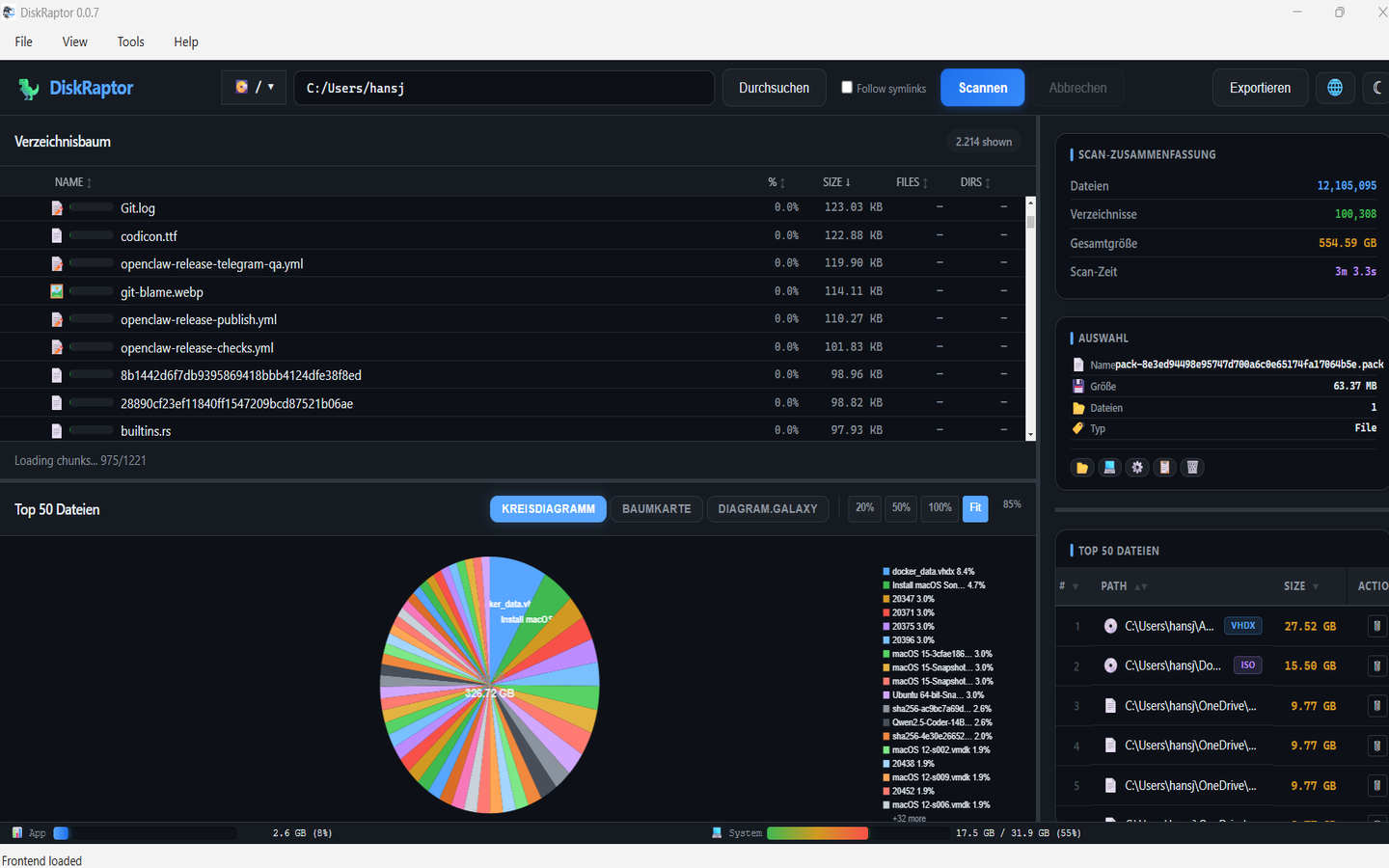
DiskRaptor finds all five in seconds and shows you exactly what to remove. Free, fast, and private — 100% local scanning, no telemetry. Here's the full breakdown:
1. Windows update caches
Windows keeps gigabytes of update backups (SoftwareDistribution, WinSxS, old $WINDOWS.~BT folders) so you can roll back if an update breaks. After a successful update, most of that is dead weight — often 5–15 GB.
How to fix it: In DiskRaptor, scan C: and sort by size. Look for C:\Windows\SoftwareDistribution\Download and large WinSxS growth. Use Windows Disk Cleanup + DiskRaptor's treemap to verify before deleting. Never delete WinSxS manually — clean it via system tools.
2. Old installers you forgot
Every downloaded .exe, .msi, .dmg, game setup, printer driver and ISO in Downloads. One forgotten Visual Studio installer or game is 3–8 GB alone. Most users have 5–10 GB here.
How to fix it: Read our guide: How to Clean Up Your Downloads Folder. DiskRaptor's one-click Downloads cleanup groups installers by size and age so you can delete them safely.
3. Duplicate photos
IMG_2024 copy, copy (2), WhatsApp forwards, Lightroom exports — duplicate photos are the #1 silent killer on family PCs. Easily 5–20 GB.
How to fix it: Don't hunt manually. Use DiskRaptor's duplicate finder — it hashes file contents, groups true duplicates, and lets you keep one copy. Full guide: How to Find and Remove Duplicate Files.
4. Temp files from apps you don't use
Every app creates temp data — browser cache, Electron caches, Adobe previews, npm / pip caches, Teams / Slack caches. Uninstall the app and the temp often stays. Typical waste: 3–10 GB.
How to fix it: See: How to Clean Browser Cache and Temporary Files. DiskRaptor's cleanup tools clear browser cache, temp folders and empty folders across all browsers at once.
5. Backups of things you already deleted
Recycle Bin / Trash you never emptied, File History versions, Time Machine snapshots, OneDrive / Dropbox local copies, phone backups in iTunes. You deleted the files — but the backup still eats the disk. Often 5–15 GB.
How to fix it: Empty trash for real (How to Empty Trash and Recycle Bin), check your cloud sync settings, and scan for *.bak, *.old, phone backups. DiskRaptor shows them sorted by size so you decide.
Together: 20–50 GB in minutes
You don't need to buy a new drive. Scan, check the treemap, clear the five categories above, rescan:
- Download DiskRaptor free (Windows / macOS / Linux)
- Pick C: or your home folder → Scan
- Open treemap + largest files list
- Clear update caches, installers, duplicates, temp, old backups
- Rescan to confirm your 20–50 GB back
Video transcript
Full auto-transcript of youtube.com/watch?v=rwDi8sZLRWY by Hansjoerg Hofer:
“Number one, Windows update caches. Number two, old installers you forgot. Number three, duplicate photos. Number four, temp files from apps you don't use. Number five, backups of things you already deleted. Together, they're usually 20 to 50 GB. Your PC, finally free.”
Related reading
- How to Free Up Disk Space: 5 Practical Steps
- How to Find and Remove Duplicate Files
- How to Clean Up Your Downloads Folder
- How to Clean Browser Cache and Temporary Files
- How to Empty Trash and Recycle Bin to Free Up Space
Ready to reclaim 20–50 GB?
DiskRaptor is free, open source, and runs 100% locally — no telemetry, no tracking.