
A Home User's Guide to Cleaning Up Downloads (Without the Guesswork)
You're not a developer and you don't want a list of terminal commands. You just want your computer to stop telling you the disk is full. Here's the good news: for most home computers, the mess has one single home address — the Downloads folder.
This guide is written for everyday users. No jargon, no risk, and a simple method you can finish in a coffee break.
Why Downloads is always the messiest folder
Every installer you've ever run, every PDF you opened once, every image you right-clicked and saved — they all land in Downloads, and almost nothing ever leaves. It's the digital equivalent of a junk drawer: useful things buried under years of things you'll never open again.
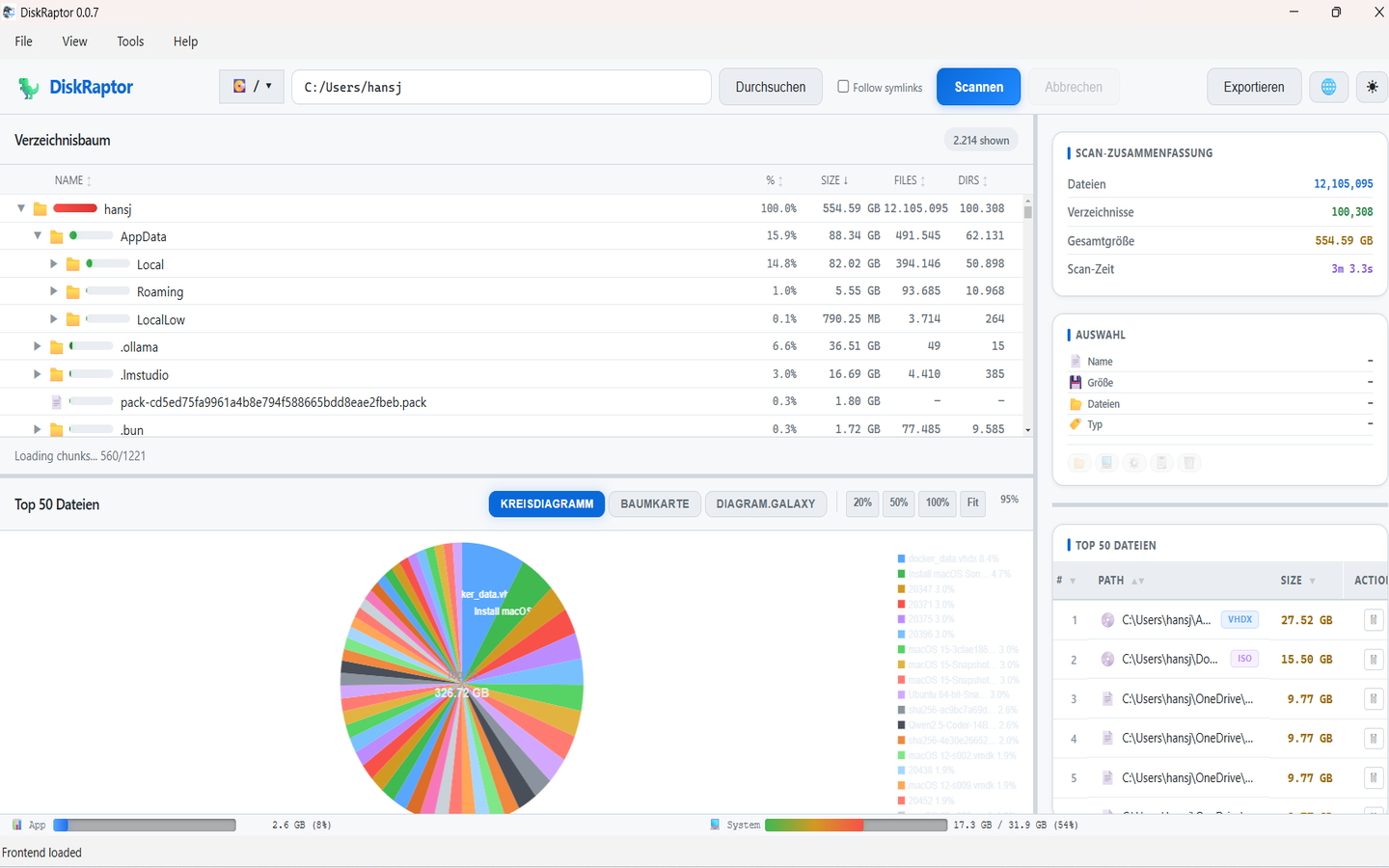
The first step isn't deleting anything. It's seeing what's actually there, sorted by size. Open DiskRaptor, scan your Downloads folder, and the biggest files float right to the top — usually a handful of old installers and forgotten videos doing 90% of the damage.
The three-pile method
Instead of agonizing over each file, put everything into one of three mental piles. It turns an overwhelming cleanup into a simple sorting game:
- Keep — things you'll genuinely need again: tax documents, contracts, personal photos, license keys.
- Move — files worth keeping but not in Downloads. Move them to a proper folder (Documents, Pictures, or an external drive) where they're easier to find later.
- Delete — everything that has already served its purpose. This is usually the biggest pile.
What's almost always safe to delete
If you're unsure, these are the safest places to start — they rarely contain anything you'll miss:
- Old installers (
.exe,.msi,.dmg) — once the program is installed, you can always download the installer again. - ZIP archives you already opened — the extracted contents are what matter; the archive is just packaging.
- Duplicate downloads — files ending in
(1),(2)… are copies of something you downloaded twice. - PDFs and documents you've already read — manuals, receipts you've saved elsewhere, newsletters you saved as PDFs.
- Old video calls and recordings — Zoom and Teams recordings quietly eat gigabytes.
Let the tool do the guessing for you
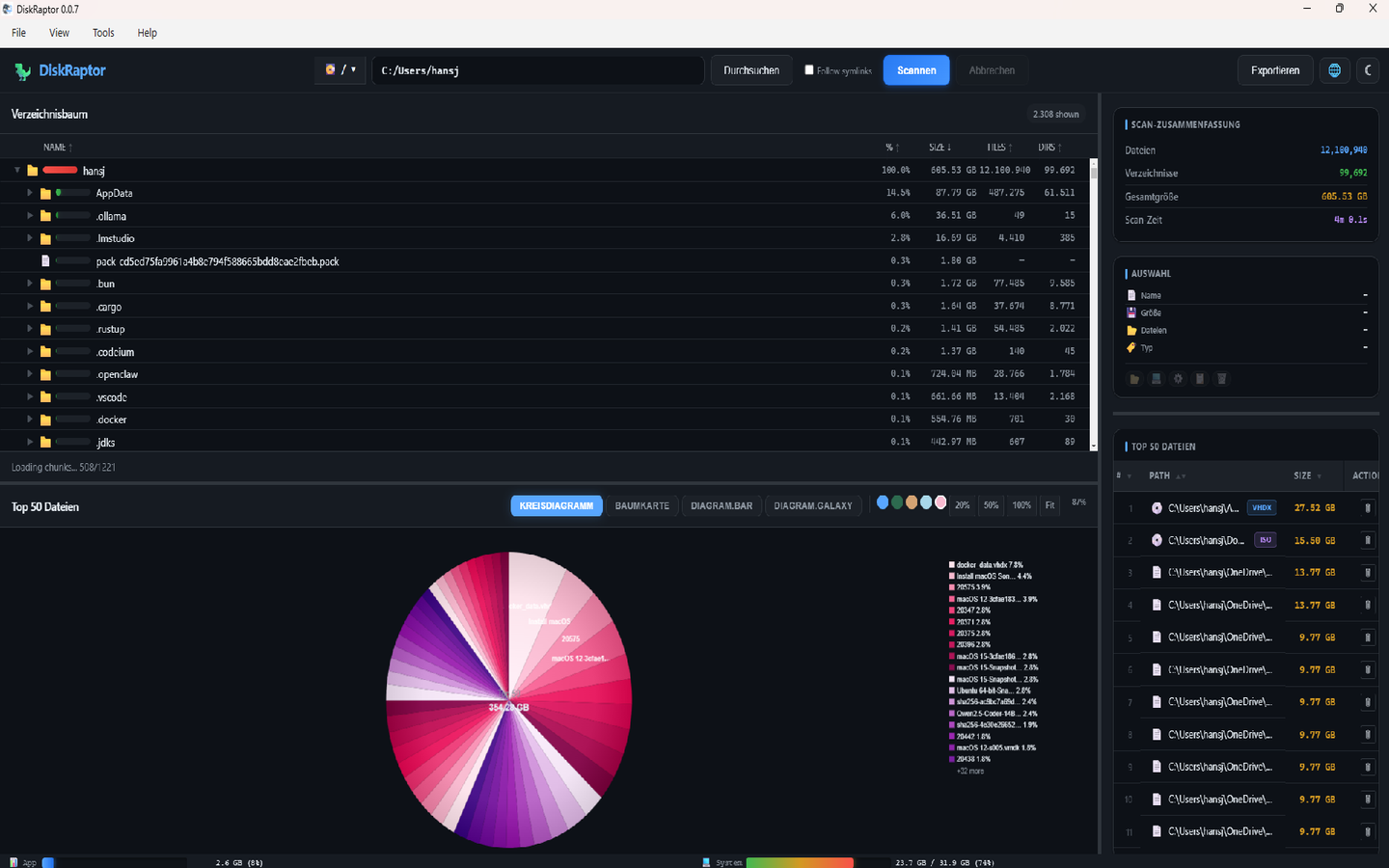
DiskRaptor has a one-click Downloads Cleanup that highlights exactly this kind of clutter — old installers, duplicates and oversized files — so you don't have to recognize them yourself. And if you delete something by accident, the built-in trash recovery brings it back. That safety net is the whole point: you can clean fast because a wrong click is never permanent.
While you're at it
Downloads is the big one, but three small neighbors are worth a 30-second glance each:
- The Desktop — files saved there are easy to lose sight of. Move them into folders.
- Your screenshots folder — a surprising number of one-time screenshots pile up.
- The Recycle Bin / Trash — files you deleted still occupy space until you empty it. See how to empty it properly.
Make it stick
You don't need a cleaning routine — you need five minutes a month. At the end of each month, open Downloads, sort by size, and clear the three piles. That's it. The folder never gets a chance to become a problem again, and the "disk is full" warning becomes a thing of the past.
Related reading
- How to Clean Up Your Downloads Folder
- How to Free Up Disk Space: 5 Practical Steps
- How to Empty Trash and Recycle Bin to Free Up Space
- The 5 Biggest Space Wasters on Every PC
Clean up your Downloads in minutes
DiskRaptor is free, open source, and runs 100% locally — no telemetry, no tracking.