
Don't Buy a New Drive — Free Up the One You Have
Your drive is full, and your first instinct is to buy a bigger one. Stop. On almost every PC we scan, most of that space isn't gone — it's just misplaced. Before you spend money on hardware you don't need, it's worth ten minutes to see what's actually on your disk.
Our video puts it in one sentence:
“Your drive is full and your first instinct is to buy a bigger one. Stop. Most people have gigabytes of waste hiding on their current disk.”
The math: €80 vs. ten minutes
A 1 TB SSD costs roughly €70–100. Most PCs we look at have 20–50 GB sitting in files nobody wants — and for the majority of users that's exactly the headroom they were about to pay for. Cleaning first costs you ten minutes. Buying first costs you money and gets you a tidier drive, not a faster one.
There's a second reason to look before you buy: a new drive doesn't fix a cluttered one. If the waste is what's filling your disk, a bigger disk just gives the clutter more room to grow into.
Where the space actually goes
Four categories account for almost all of it. None of them are your documents, and none of them are your work files.
1. Games you'll never play again
Modern games are enormous — 50–150 GB each is normal, and every update adds more. When you finish a game or drift away from it, the install stays. This is usually the single biggest recoverable block on a gaming PC: 10–60 GB.
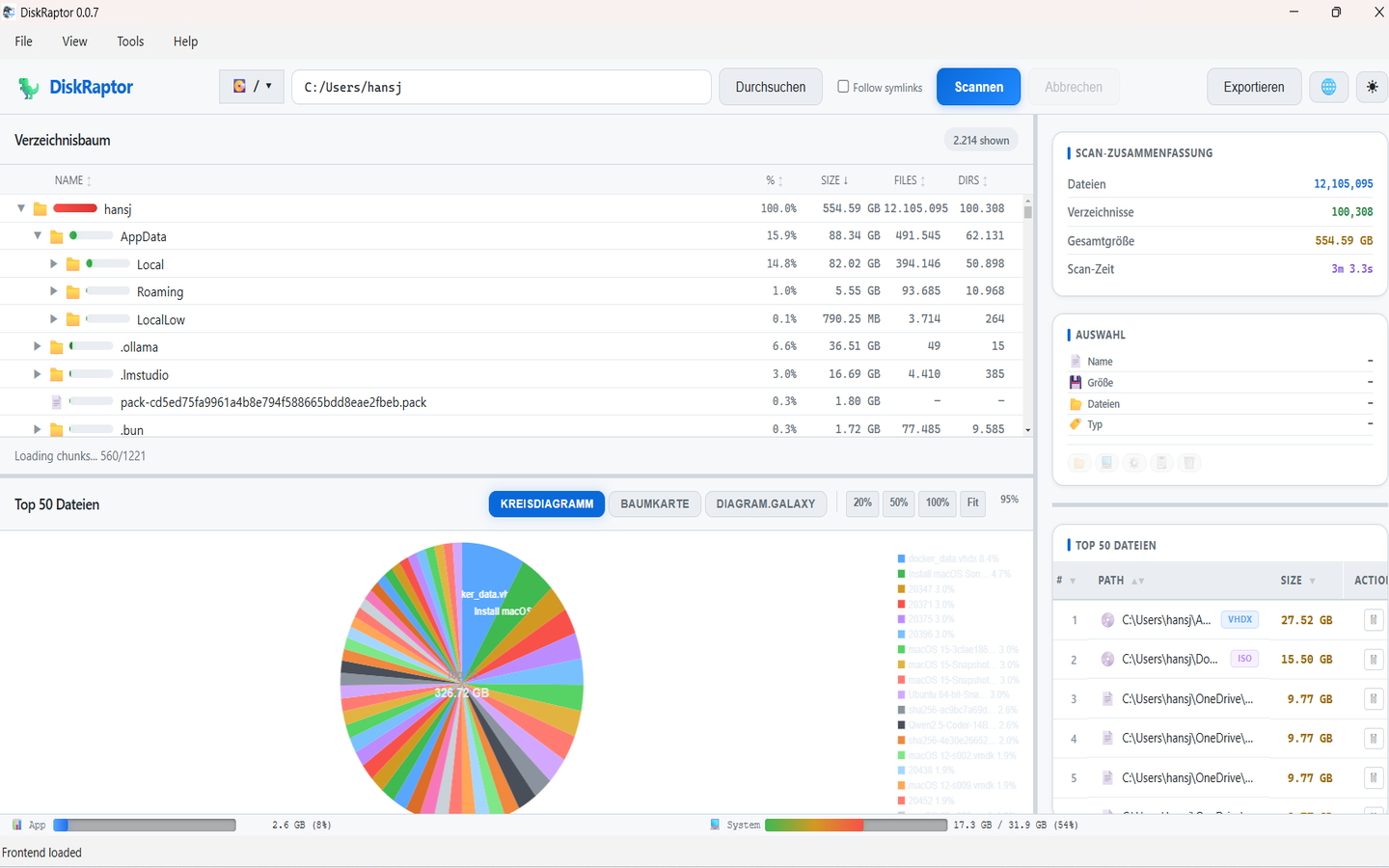
What to do: Scan your drive and sort by size. If a game is in the top ten and you haven't touched it this year, that's your space. Game launchers can re-download it later if you want it back.
2. Duplicate photos
Camera roll exports, WhatsApp forwards, "copy (2)" files, and the same holiday imported twice from two devices. Photos are small individually and brutal in bulk: 5–20 GB on a typical family PC.
What to do: Don't hunt by filename — matching names miss the real duplicates and match files that aren't actually the same. DiskRaptor's duplicate finder hashes file contents, so it groups genuine copies and lets you keep one. Full guide: How to Find and Remove Duplicate Files.
3. Installer files you forgot about
Every .exe, .msi, .dmg, game setup, printer driver and ISO you ever downloaded is probably still in Downloads. One forgotten Visual Studio installer or game image is 3–8 GB by itself. Most users are carrying 5–10 GB here.
What to do: Installers are single-use. If the app is already installed, the installer has no job left. DiskRaptor's cleanup groups them by size and age so you can clear the old, large ones without reading each filename. Guide: How to Clean Up Your Downloads Folder.
4. Backups of things you already deleted
The hidden one. A Recycle Bin you never emptied, File History versions, system restore points, and local copies kept by OneDrive or Dropbox — files you deleted once, still occupying your disk a second time. Typically 5–15 GB.
What to do: Empty the Recycle Bin properly (How to Empty Trash and Recycle Bin), check your cloud sync settings so you're not holding a local copy of everything, and if you're on Windows, look at the hibernation file too — it can be several GB on its own (how to disable hibernation).
Do it in five steps
- Download DiskRaptor free (Windows / macOS / Linux) — it runs 100% locally
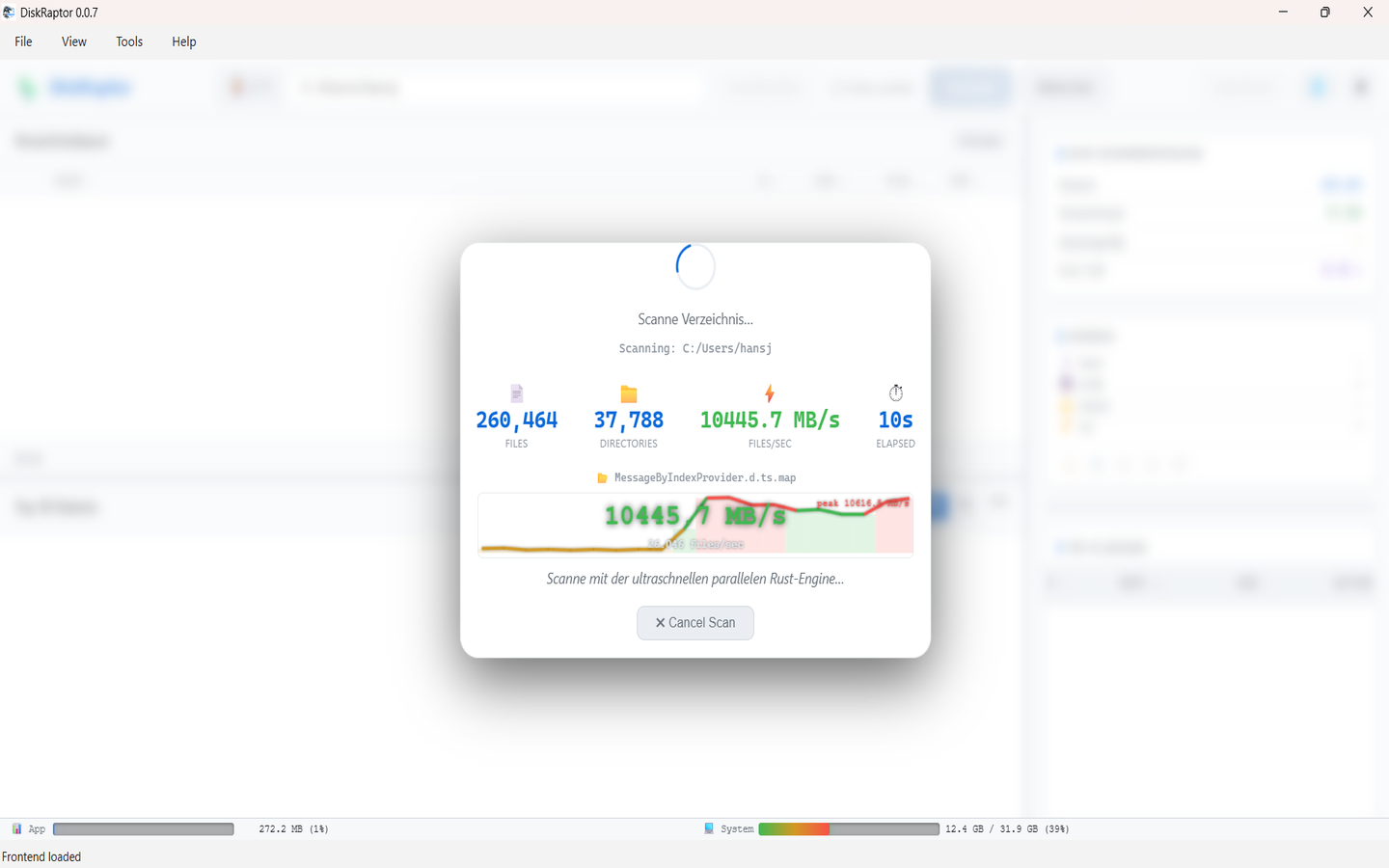
- Pick your drive (usually C: or your home folder) and scan
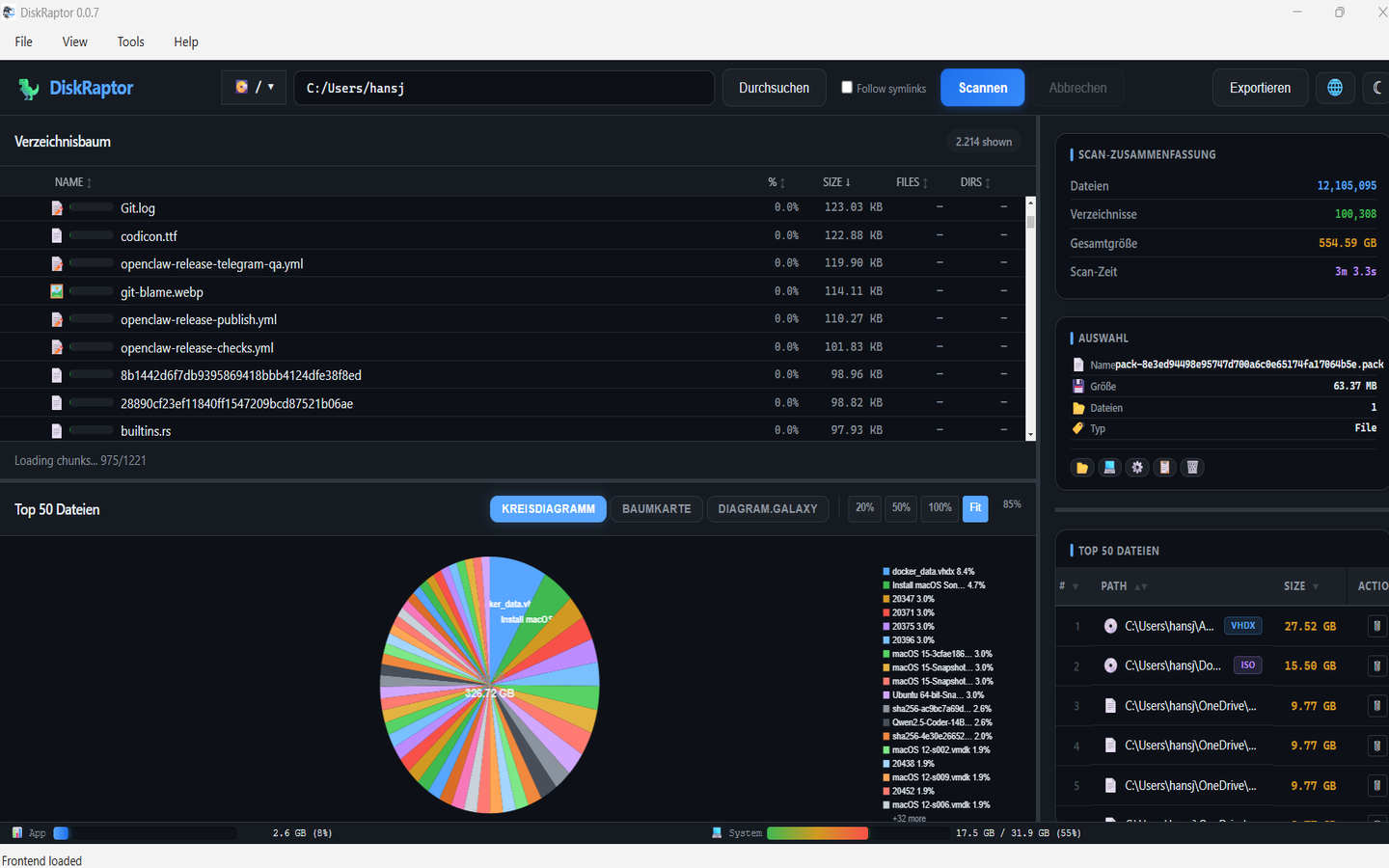
- Open the treemap and the largest-files list
- Clear the four categories above — games, duplicates, installers, old backups
- Rescan and compare: most people land somewhere between 20 and 50 GB lighter
When buying actually is the right call
To be straight with you: DiskRaptor is a cleaning tool, and cleaning isn't always the answer. Buy more storage if your live data genuinely exceeds your drive — a video archive, a large photo or music library, a development machine full of virtual machines. That's real data that needs real space.
Don't buy because you ran out of room and haven't looked. Those are different problems, and only one of them costs money to solve.
Working from home? Lock down the connection too
If you're managing your own machine, your network deserves the same attention as your disk. These are the three Surfshark tools we use and recommend:
Affiliate disclosure: the links below are affiliate links. If you buy through them, we may earn a commission at no extra cost to you — it helps keep DiskRaptor free.
Read more about our Surfshark partnership.
Video transcript
Full auto-transcript of youtube.com/watch?v=10MUr9_n7Po by Hansjoerg Hofer:
“Your drive is full and your first instinct is to buy a bigger one. Stop. Most people have gigabytes of waste hiding on their current disk. Old games you'll never play, duplicate photos, installer files, forgotten backups. DiskRaptor finds it all in seconds and shows you exactly what to delete. Reclaim the space you already paid for before spending another cent. Free, fast, and private.”
Related reading
- The 5 Biggest Space Wasters on Every PC
- How to Free Up Disk Space: 5 Practical Steps
- How to Find and Remove Duplicate Files
- How to Clean Up Your Downloads Folder
- Disable Hibernation to Free Up Gigabytes
- What Is a Disk Space Analyzer?
Check before you buy
DiskRaptor is free, open source, and runs 100% locally — no telemetry, no tracking.